
Now Available on the App Store
SipStreak
A no-ads water intake tracker for iOS with one-tap logging, streak motivation, widgets, HealthKit, reminders, and a one-time Pro upgrade.
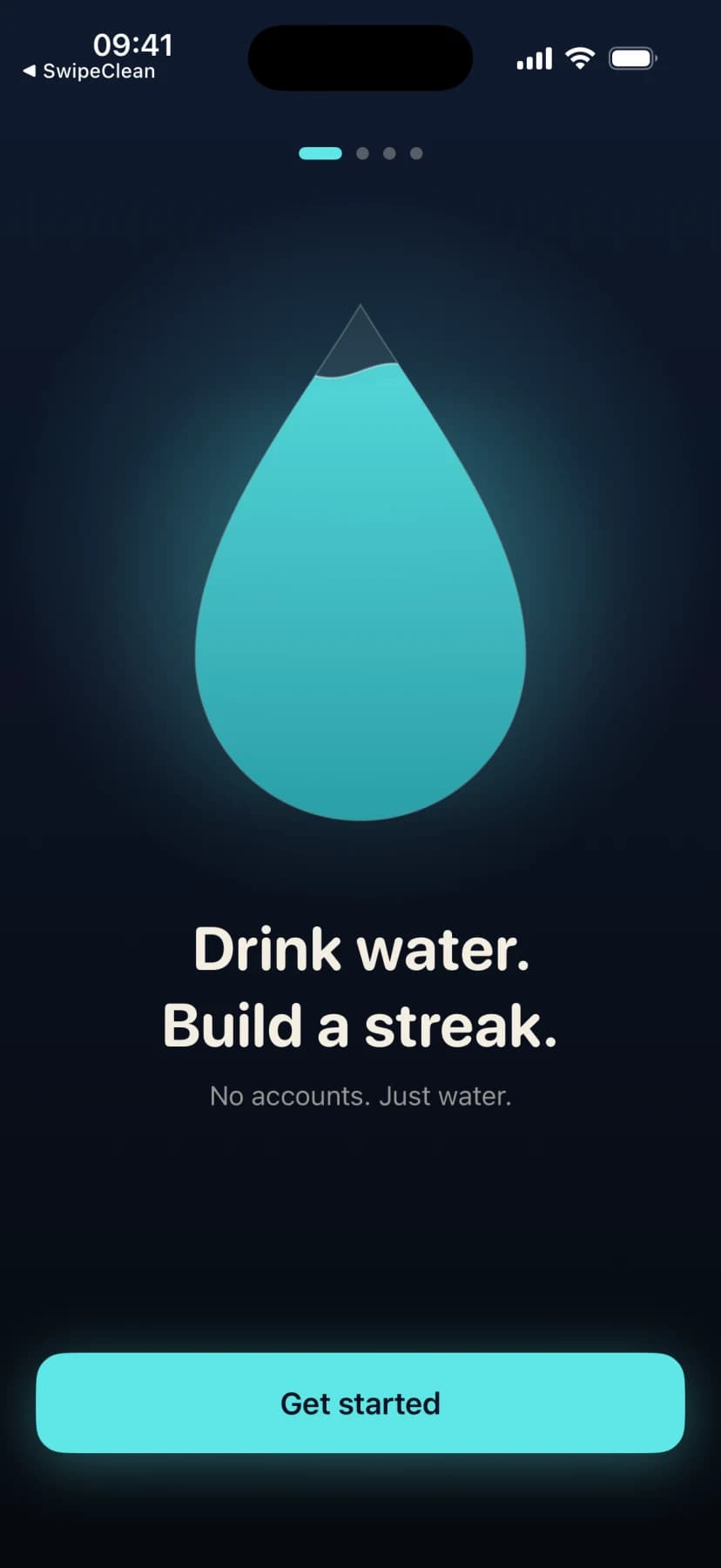

Inside the app
What it does
- One-tap logging
- Log a glass of water with a single tap and watch an animated drop fill toward your daily goal in real time.
- Streak motivation
- Daily streaks keep you coming back. Hit milestones at 1, 3, 7, 14, 30, 60, 100, 200, and 365 days to celebrate with confetti.
- Privacy-first
- Water entries, streaks, and preferences stay on your device. No accounts, no cloud sync, and HealthKit integration is entirely opt-in.
- No subscription
- The free tier covers logging, streaks, goals, widgets, reminders, and HealthKit with no ads or tracking. SipStreak Pro is a one-time lifetime purchase that unlocks premium themes, custom glass sizes, fine-grained reminders, insights, CSV export, and streak insurance.
About SipStreak
Product details
SipStreak turns daily water intake into a one-tap habit with animated progress, streak milestones, widgets, reminders, and seven cosmetic themes. All data stays on your device and HealthKit syncs on your terms. SipStreak is free with no ads and no tracking, and a one-time SipStreak Pro purchase unlocks four premium themes, custom glass sizes, fine-grained reminder intervals, insights, CSV export, and streak insurance.
Available now on the App Store.
SipStreak is now available on the App Store. Download it today and start building your hydration habit.
SipStreak is free with no ads, no tracking, no third-party ad SDKs, and no system tracking prompt.
Water entries, streaks, preferences, glass presets, reminder choices, and cosmetic theme choices stay on your device. HealthKit sync is optional and controlled by iOS permissions.
SipStreak Pro is a one-time lifetime purchase that unlocks premium themes, custom glass sizes, fine-grained reminder intervals, insights, CSV export, and streak insurance.

Questions about SipStreak
How do I change my daily water goal?
Open Settings from the home screen and adjust your daily goal in the Daily Goal section. You can set a custom target in milliliters or fluid ounces, or let SipStreak calculate one based on your weight and activity level.
How do I change my theme?
Open Settings, scroll to the Appearance section, and tap any theme to preview it. Three themes (Tide, Dawn, Graphite) are free. Four premium themes (Reef, Ember, Meadow, Ion) require the one-time SipStreak Pro purchase.
Does SipStreak show ads?
No. SipStreak is free with no ads, no tracking, no third-party ad SDKs, and no system tracking prompt.
How do I enable HealthKit?
Open Settings, find the Health section, and toggle on HealthKit. iOS will ask you to approve read/write permissions. SipStreak reads body mass to suggest a goal and writes dietary water entries to Apple Health.
How do I restore my Pro purchase?
Open Settings, scroll to the Pro section, and tap Restore Purchase. This triggers Apple's StoreKit restore flow and re-activates Pro themes if you have an existing purchase on your Apple ID.
How do streaks work?
Your streak increments each day you meet your daily water goal. If you miss a day, the streak resets to zero. Milestones trigger a confetti celebration at 1, 3, 7, 14, 30, 60, 100, 200, and 365 days.
How do I delete all my data?
Open Settings, scroll to the Danger Zone section, and tap Clear All Data. This permanently removes all water entries, streak records, and profile data. HealthKit entries persist in Apple Health and must be removed separately.