
Now Available on the App Store
SwipeClean
Swipe left to delete, swipe right to keep, and turn camera roll cleanup into a fast mobile game with no ads, no tracking, and no subscription.
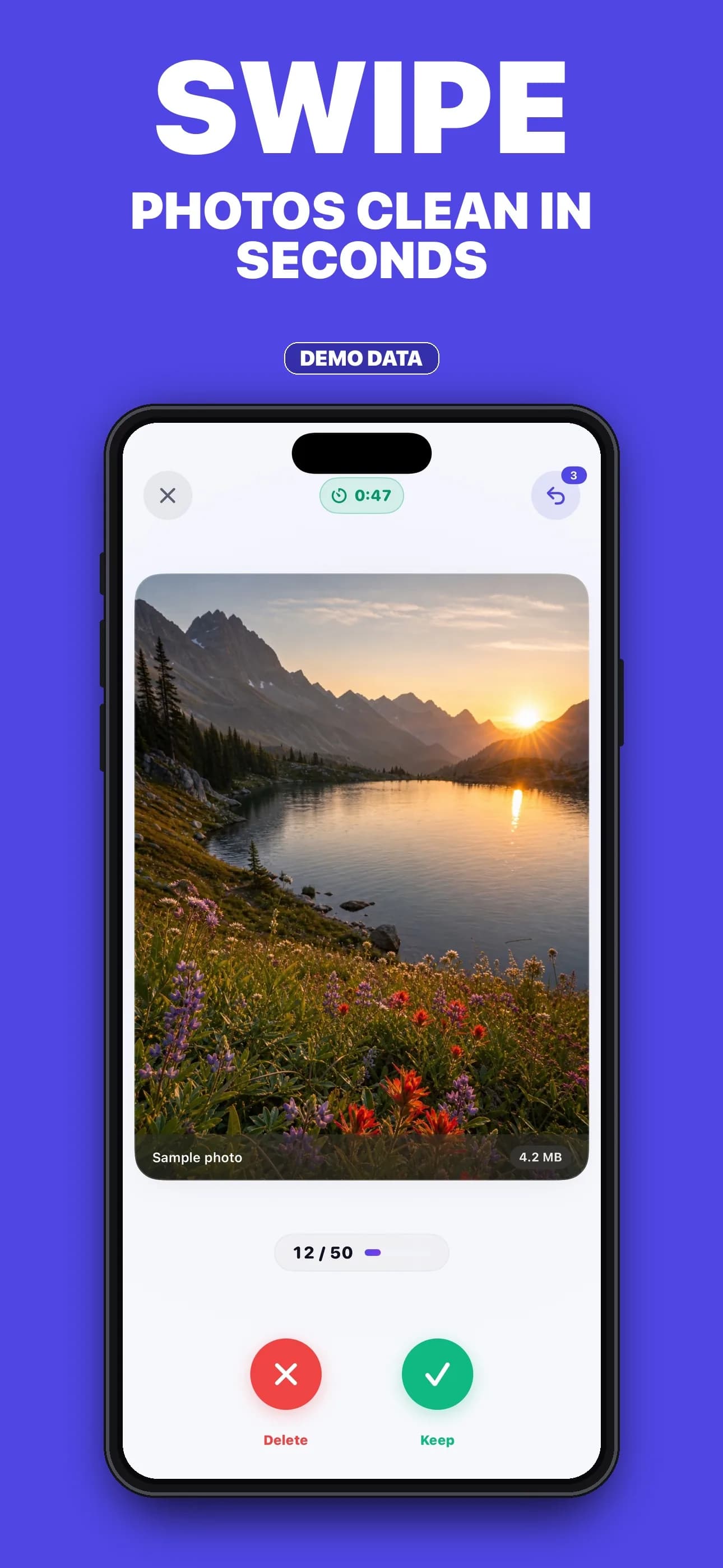

Inside the app
What it does
- Fast, game-like cleanup
- Swipe through your camera roll in calm 90-second rounds with XP, levels, streaks, and a five-tab home that puts Smart Clean, Boss Battles, Stats, and Settings one tap away.
- Progress that feels rewarding
- Earn XP across a seven-level ladder, protect your streak, and take on four boss battles: the Screenshot Purge, the Video Vault, Blast from the Past, and the Duplicate Dragon.
- Privacy-first by design
- SwipeClean never uploads your library. Photos are reviewed, sorted, and confirmed for deletion entirely on your device, with no ads, no trackers, and no advertising identifiers collected.
- No subscription trap
- The free tier is usable forever with unlimited rounds, XP, the seven-level ladder, streaks, achievements, and a weekly streak freeze. Pro is a one-time lifetime upgrade that adds Boss Battles, Smart Clean filters, advanced stats, premium Aurora, Midnight, and Sunrise themes, and unlimited undo.
About SwipeClean
Product details
SwipeClean turns photo cleanup into 90-second rounds with XP, a seven-level ladder, streaks, four boss battles, and Smart Clean filters that target screenshots, large videos, old photos, and duplicates. Photos stay on-device, deletions use the native iOS confirmation flow, and the app ships with no ads, no tracking, and a one-time lifetime Pro upgrade.
Available now on the App Store.
SwipeClean is live on the App Store. Download it free, clean your camera roll in 90-second rounds, and unlock Boss Battles, Smart Clean, advanced stats, and premium themes with a one-time lifetime Pro upgrade.
SwipeClean processes your photo library on-device. It does not copy or upload your library to external servers.
The free tier is usable forever with unlimited 90-second rounds, XP, the seven-level ladder, streaks, and achievements. Pro is a one-time lifetime upgrade that adds Boss Battles, Smart Clean filters, advanced stats, premium themes, and unlimited undo, with no subscription, no ads, and no tracking.

Related resources
Questions about SwipeClean
How do I grant or change photo access?
When SwipeClean first launches, iOS asks for photo library permission. To change access later, go to Settings > Privacy & Security > Photos > SwipeClean and choose your preferred access level.
How do I delete photos?
Swipe left on any photo during a round. At the end of the round, SwipeClean batches the marked items and asks iOS to confirm the deletion.
Can I recover deleted photos?
Yes. Deleted photos move to the iPhone Recently Deleted album, where they remain recoverable for 30 days.
Does SwipeClean show ads?
No. SwipeClean ships with no advertising of any kind. There are no banner ads, no rewarded video ads, no ad SDKs, and no advertising identifiers collected. The free tier is fully usable without ads.
How much does SwipeClean cost?
SwipeClean is free to download with unlimited 90-second rounds, XP, the seven-level ladder, streaks, and achievements. Pro is a one-time $29.99 lifetime upgrade that adds Boss Battles, Smart Clean filters, advanced stats, premium themes, and unlimited undo. There is no subscription.
What is Smart Clean?
Smart Clean is a Pro feature that runs filtered rounds against scoped categories such as screenshots, large videos, old photos, and duplicates, so you can focus a single round on a specific cleanup target instead of triaging everything at once.
Does SwipeClean support light and dark mode?
Yes. SwipeClean follows your system appearance by default, and Settings includes a manual Appearance picker for Light, Dark, or System. Pro additionally unlocks premium Aurora, Midnight, and Sunrise themes.
How do I restore my Pro purchase?
Open SwipeClean, go to Settings, then choose Upgrade and tap Restore Purchase.
Does SwipeClean upload my photos?
No. Photos are processed on-device only. SwipeClean does not copy or upload your library to external servers.
How do I reset my progress?
Open Settings and choose Clear All Data. That permanently removes local streaks, XP, achievements, and round history from the device.