
Now Available on the App Store
QRift
A privacy-first QR code scanner and generator for iOS with automatic scanning, multiple code types, and searchable history.
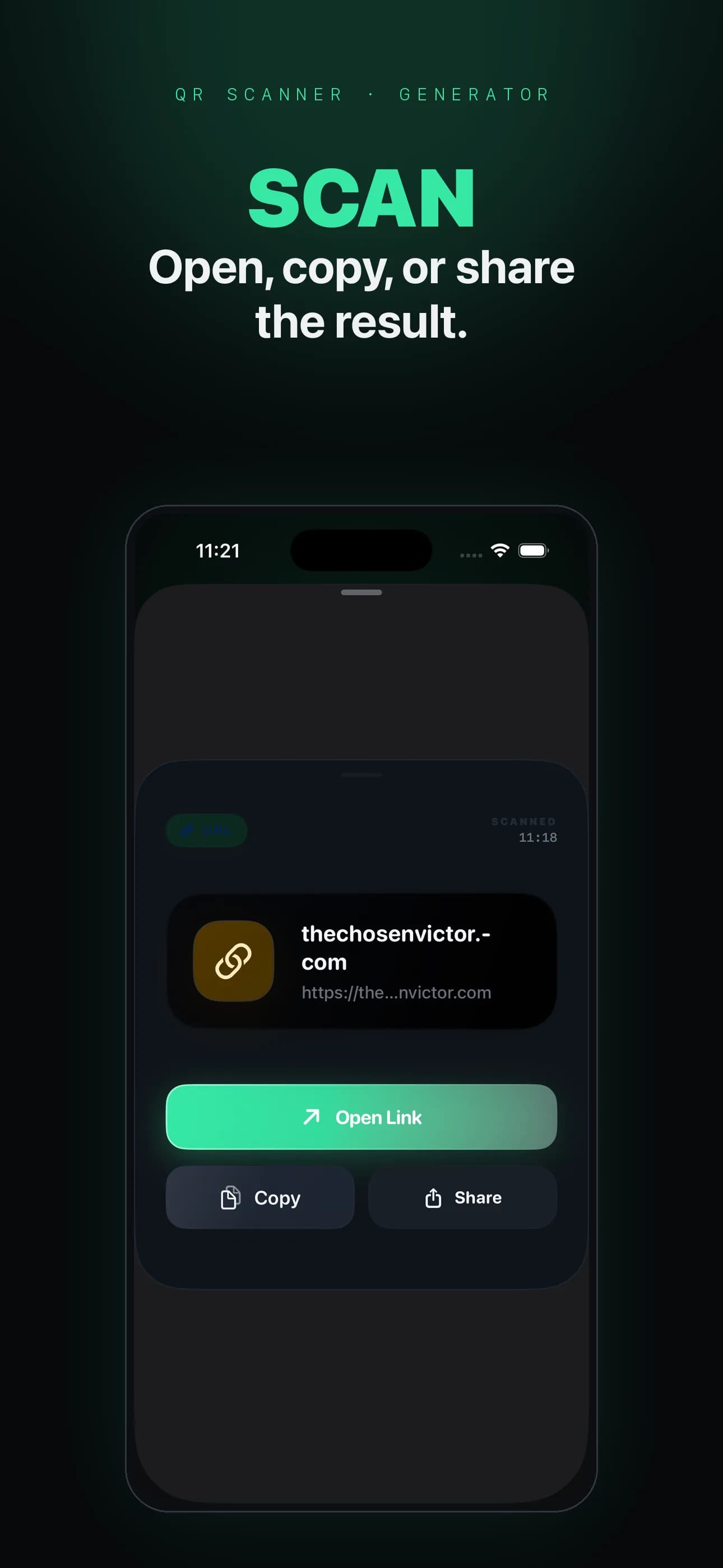

Inside the app
What it does
- Automatic scanning
- Point your camera and QRift detects supported QR codes automatically. A flashlight toggle helps in low light, and gallery import scans codes from saved images.
- Multiple code types
- Create QR codes for URLs, plain text, Wi-Fi networks, contacts, and email addresses. Scanned Wi-Fi codes let you copy the Wi-Fi details for use in iOS Settings. Every type is free.
- Privacy-first
- Scan history, created codes, and preferences stay on your device. No accounts, no cloud sync, no ads, no tracking, and camera access is requested only when you open the scanner.
- No subscription
- The free tier covers scanning, creation, and a 10-item history with no ads. Pro is a one-time $4.99 lifetime purchase that unlocks custom colors, logo embedding, batch creation, unlimited history, and vector export.
About QRift
Product details
QRift is a minimal QR code utility built for speed and privacy. Scan codes from your camera or photo library, create QR codes for URLs, WiFi, contacts, and more, and keep a searchable history. QRift shows no ads, performs no tracking, and stores app data on your device. Pro is a one-time $4.99 lifetime purchase for custom colors, logo embedding, batch creation, unlimited history, and vector export.
Available now on the App Store.
QRift is available on the App Store. A fast, private QR code tool with local-first history and optional Pro features.
QRift shows no ads, includes no third-party advertising SDK, performs no tracking, and has no account system.
QRift stores scan history, created codes, and preferences locally on your device using SwiftData. QR code content and imported images are not sent to a server, ad network, or analytics service.
QRift Pro is a one-time $4.99 lifetime purchase that unlocks customization, batch creation, unlimited history, and vector export. Pricing may vary by region.

Related resources
Questions about QRift
How do I scan a QR code?
Open QRift and point your camera at a supported QR code. The scanner detects it automatically. For saved images, tap the gallery button to import from your photo library.
What types of QR codes can I create?
QRift supports URL, plain text, WiFi network, contact (vCard), and email QR codes. All types are free. The preview updates in real time as you type.
What does QRift Pro include?
Pro is a one-time $4.99 lifetime purchase that unlocks custom QR code colors, logo embedding, batch creation (up to 50 codes at once), unlimited history, and vector export (SVG and PDF). Pricing is displayed in the app before purchase and may vary by region.
How do I restore my Pro purchase?
Open Settings and tap Restore Purchase. This uses Apple's StoreKit restore flow to reactivate Pro features if you have an existing purchase on your Apple ID.
Is my data sent to any server?
QRift stores scan history, created codes, and preferences locally on your device using SwiftData. QR code content and imported images are not sent to a server, ad network, or analytics service.
How do I connect to a scanned WiFi network?
When QRift scans a Wi-Fi QR code, it shows the network name and lets you copy the Wi-Fi details. Use those details in iOS Settings to join the network.