
A commit restored two HealthKit usage descriptions to SipStreak. Apple's upload validation had warned they were missing, which was true. The commit message went further and said a String Catalog cannot introduce a key the built Info.plist never had, so the submitted build shipped with no usage description at all. That second claim was worth checking, because the version it describes was sitting in App Review, and a build that terminates when a user enables Health is an argument for pulling it. I built the exact tree that upload was cut from and ran it on an iOS 26.5 simulator. The built SipStreak.app/Info.plist contains neither key. All nine compiled per-locale InfoPlist.strings contain both.
Bundle.main.infoDictionary?["NSHealthUpdateUsageDescription"]
// nil

Bundle.main.localizedInfoDictionary?["NSHealthUpdateUsageDescription"]
// Optional("SipStreak logs your water intake to Apple Health ...")

Bundle.main.object(forInfoDictionaryKey: "NSHealthUpdateUsageDescription")
// Optional("SipStreak logs your water intake to Apple Health ...")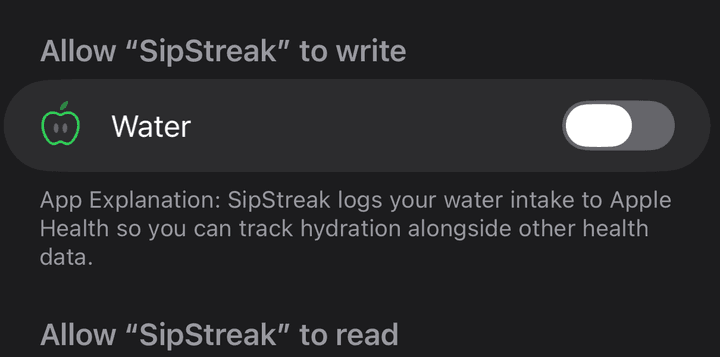
Apple's upload validation reads the root Info.plist. The running app resolves a usage description through the localized info dictionary, which is why object(forInfoDictionaryKey:) returns a value that infoDictionary does not. Both checks are real and they read different files, so a finding from one does not carry to the other.
- Step 01
Read the built plist, not the source
Open Info.plist inside the .app you actually produced. A generated plist can differ from what the project file appears to say, and the compiled per-locale InfoPlist.strings sit beside it carrying the same keys.
- Step 02
Say which reader you are claiming about
Upload validation, App Review, and the running app are three readers. Write the finding as what one of them does, not as what the app does.
- Step 03
Measure the runtime before acting on a static result
The static finding was correct and the conclusion drawn from it was not. Calling the API separated them, and it cost one simulator run.
The limit
One simulator, one OS version. This shows the key can resolve at runtime while absent from the root plist. It does not license shipping without it: the upload warning is real, and putting both keys back is still the right fix.